Backup & Disaster Recovery Services for Businesses
Avoid downtime, data loss, and costly disruptions with fast, reliable recovery built for real-world business risks.
Your business runs on data. If that data is lost, locked, or inaccessible, everything stops. Missed deadlines. Lost revenue. Damaged client trust.
At Network Computer Pros, we provide structured backup and disaster recovery (BDR) solutions designed to keep South Florida businesses operational — even during ransomware attacks, hardware failures, hurricanes, or unexpected outages.
Backup is not optional. Recovery speed is everything.
Why Backup Alone Isn’t Enough
Many businesses assume having “a backup” means they’re protected. But traditional backups can take hours — or even days — to fully restore.
A true disaster recovery strategy focuses on:
-
How fast you can restore operations
-
How much data you can afford to lose
-
How quickly employees can resume work
-
How your clients are impacted during downtime
This is measured by your Recovery Time Objective (RTO) and Recovery Point Objective (RPO).
We design backup and disaster recovery plans around your actual business tolerance — not generic assumptions.
What’s Included in Our Backup and Disaster Recovery Services
Every managed IT client receives structured, monitored data protection. We don’t treat backup as an add-on — it’s foundational to business stability.
Automated Cloud Backups (Included for All Clients)
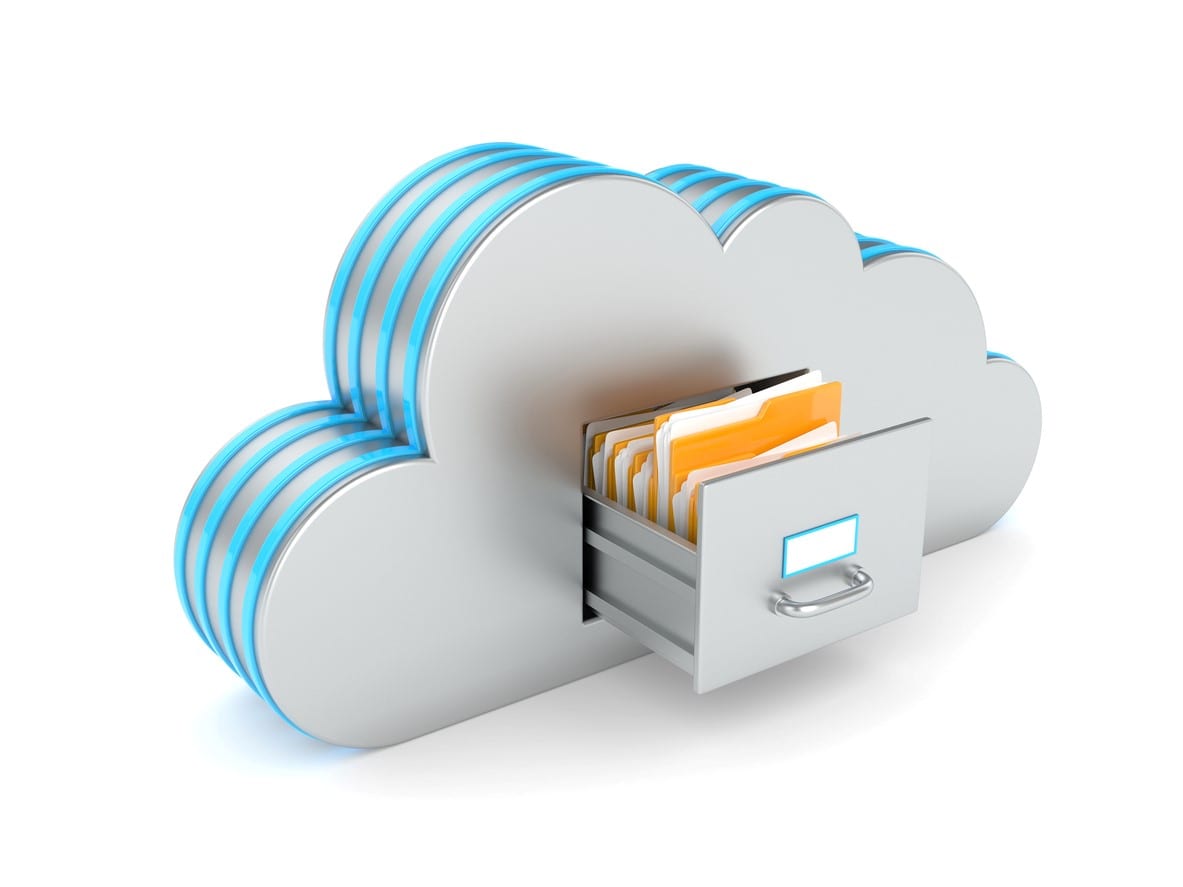
Your server data is encrypted and securely backed up to the cloud nightly. Backups run automatically and are monitored daily to verify successful completion and integrity.
No manual steps. No guesswork. No hoping it worked.
Local Server Backup Protection
In addition to cloud backup, we implement local redundancy to eliminate single points of failure and speed up restoration when needed.
This layered approach protects against:
-
Hardware failure
-
Accidental deletion
-
Ransomware attacks
-
Corrupted files
BDR Device for Instant Recovery (Ultimate Plan)
For businesses that cannot afford extended downtime, our Ultimate plan includes a dedicated on-site BDR appliance.
This allows:
-
Instant virtualization of your server
-
Rapid system restoration
-
Significantly reduced downtime
-
Faster Recovery Time Objectives (RTO)
Instead of waiting hours for files to restore, your systems can come back online quickly, minimizing disruption to your team and clients.
Microsoft 365 Third-Party Backup
Many businesses assume Microsoft automatically backs up email and SharePoint data. It doesn’t.
Microsoft 365 offers limited retention — not full backup protection.
We provide dedicated third-party Microsoft 365 backup for:
-
Exchange email
-
SharePoint
-
OneDrive
-
Teams data
This protects against accidental deletion, insider mistakes, ransomware encryption, and compliance-related data loss.
You remain in control of your business-critical information at all times.
Business Continuity Planning
Backup protects your data. Business continuity protects your operations.
We help you prepare for real-world scenarios such as:
-
Hurricanes
-
Fire or flood damage
-
Extended power outages
-
Cyberattacks
-
Cloud service outages
-
Accidental file deletion
-
Hardware failures
-
Ransomware incidents
-
Internet service disruptions
Our continuity planning covers systems, access, communication, and documented recovery procedures to keep your business operational under pressure.
Backup systems should never be assumed to work simply because they exist. We regularly monitor backup jobs, verify successful completion, and review recovery procedures to help ensure your organization can restore critical systems and data when needed.
Backup vs. Disaster Recovery — What’s the Difference?
Backup means your files are saved somewhere.
Disaster recovery means your business can operate again quickly.
Backup restores data.
Disaster recovery restores systems, access, and productivity.
We build both into your environment — because having one without the other leaves your business exposed.
Compliance-Ready Backup Solutions
If your business must meet HIPAA or other regulatory standards, your backup strategy must align with compliance requirements.
We implement:
-
Encrypted storage
-
Access controls
-
Documented recovery procedures
-
Regular monitoring and testing
So you remain audit-ready and protected.
Backup & Disaster Recovery Services in South Florida & Middle Tennessee
Network Computer Pros provides backup, disaster recovery, and business continuity solutions for organizations throughout South Florida and Middle Tennessee.
South Florida
• Miami
• Fort Lauderdale
• Boca Raton
• Broward County
• Palm Beach County
Middle Tennessee
• Nashville
• Franklin
• Brentwood
Whether you're protecting a single office, multiple locations, or a distributed workforce, we help ensure your business can recover quickly from ransomware attacks, hardware failures, natural disasters, cloud outages, and unexpected disruptions.
Learn more about our:
Why Businesses Trust Network Computer Pros for Business Continuity
For more than 25 years, Network Computer Pros has helped businesses reduce risk, protect critical data, and maintain operations during unexpected events.
Our backup and disaster recovery solutions are designed around real business requirements, not generic backup schedules.
We help organizations:
- Reduce downtime during outages
- Recover quickly from ransomware incidents
- Protect Microsoft 365 data
- Meet compliance requirements
- Improve business continuity planning
- Maintain access to critical systems and files
From law firms and CPA practices to dental offices, architecture firms, manufacturers, nonprofits, and hospitality organizations, we help businesses prepare for the unexpected before it becomes a crisis.
Not Sure If Your Backup Is Enough?
Many companies don’t discover gaps in their backup strategy until it’s too late.
If you’re unsure about:
-
How fast you could recover
-
Whether Microsoft 365 is fully protected
-
Whether your backups are being monitored
-
Or how ransomware would impact your operations
Let’s review your environment.
Schedule a consultation and we’ll assess your current backup and disaster recovery setup — no pressure, just clarity.
Frequently Asked Questions About Backup and Disaster Recovery
What is the difference between backup and disaster recovery?
A backup is a protected copy of your business data. Disaster recovery is the broader plan for restoring systems, applications, access, and operations after an outage, hardware failure, cyber incident, or other disruption.
A strong disaster recovery strategy includes reliable backups, recovery priorities, documented procedures, and a clear understanding of which systems need to come back first.
How often are backups monitored and verified?
Backup jobs are monitored daily to verify successful completion and identify potential issues.
We also review backup integrity and recovery procedures so problems can be addressed before an actual outage, ransomware incident, or hardware failure puts the business under pressure.
Do you test backups to make sure they can actually be restored?
Yes. A backup is only useful if the data can be recovered when it is needed.
Recovery procedures and backup integrity should be reviewed and tested based on the needs of the business, the systems being protected, and the level of risk involved.
The goal is to reduce the chance of discovering a backup problem during an actual emergency.
Does Microsoft 365 automatically back up my email and files?
No. Microsoft 365 provides availability, retention, and recovery features, but it should not be treated as a complete backup strategy.
NCP uses dedicated third-party backup solutions for Microsoft 365 services such as Exchange email, OneDrive, SharePoint, and Teams to provide additional protection against accidental deletion, ransomware, corrupted data, and other forms of data loss.
Can backup and disaster recovery help protect my business from ransomware?
Yes, backup and disaster recovery are an important part of ransomware preparedness.
Protected backups can give a business a path to restore critical data and systems after an attack. However, backups are only one layer of protection.
A stronger approach combines backup and recovery planning with cybersecurity controls such as endpoint protection, email security, multi-factor authentication, patching, monitoring, and employee awareness.
How quickly can my business recover after a server failure or cyber incident?
Recovery time depends on the systems involved, the amount of data, the type of failure, the backup platform, and the recovery priorities established for the business.
The important step is to define which systems and applications need to be restored first and what level of downtime the business can tolerate.
A disaster recovery plan should be built around those priorities rather than assuming every system has the same recovery requirement.
Are backup and disaster recovery services included with managed IT services?
Backup and disaster recovery are part of the broader technology and business-continuity planning we provide to managed clients.
The exact backup platforms, retention, Microsoft 365 protection, recovery requirements, and disaster recovery design depend on the business environment and the systems that need to be protected.
What types of business data can you back up?
Backup solutions can protect a range of business systems and data, including servers, business files, cloud data, Microsoft 365 services, and other critical information depending on the environment.
The right backup strategy starts by identifying which data and systems are essential to business operations and how quickly they need to be recoverable.
What happens if our office becomes unavailable after a hurricane, power outage, or other disaster?
A disaster recovery plan should account for more than just restoring files.
It can include protected backups, recovery priorities, secure remote access, alternate ways for employees to work, communication procedures, vendor contacts, and the order in which critical systems should be restored.
For South Florida businesses in particular, this kind of planning is important for hurricanes, extended power outages, internet disruptions, and physical damage to an office.
Do you provide backup and disaster recovery services in Tennessee?
Yes. Network Computer Pros provides backup, disaster recovery, and business continuity services throughout Middle Tennessee, including Nashville, Franklin, Brentwood, Spring Hill, Columbia, and surrounding communities.
Our Brentwood office gives businesses access to local onsite support when hands-on recovery or infrastructure work is needed.
How do I know what backup and disaster recovery solution my business needs?
The right approach depends on your systems, applications, locations, cloud services, amount of data, cybersecurity risk, and how much downtime the business can tolerate.
We start by identifying the systems and information that matter most, how quickly they need to be recovered, and what level of protection is appropriate for the business.
From there, we can recommend a backup and disaster recovery strategy that fits the actual environment instead of using the same setup for every company.